How to play
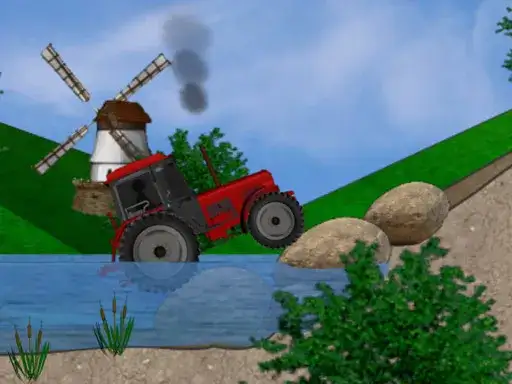
Tractor Trial puts you behind the wheel of a tractor for an off-road race. The developer says the course is full of obstacles and traps, and your job is to get past them while keeping the tractor balanced. Balance is the part that needs your attention, because a tractor that leans too far on rough ground is harder to bring back under control. Steady driving matters as much as speed.
Controls explained
On desktop, use the arrow keys or W A S D to drive the tractor. On mobile, use the on-screen buttons to drive. The two control sets do the same job, so pick whichever suits the device you are on. Keep your inputs smooth rather than sharp, since sudden changes are what unsettle a balanced vehicle on uneven ground.
Tips
- Ease off before an obstacle instead of hitting it at full speed, then drive through it under control.
- Watch the tilt of the tractor. If it starts to lean, correct gently rather than jerking the controls back.
- Treat traps as sections to read, not to rush. Slow down, pick your line, and commit to it.
- Keep your steering small and frequent on rough ground so the tractor stays level.
- On mobile, use the on-screen buttons with short taps for fine adjustments.
FAQ
What is the goal in Tractor Trial? Pass all the obstacles and traps on the off-road course while keeping the tractor balanced. The developer describes it as a crazy off-road race.
Can I play Tractor Trial on my phone? Yes. The game has on-screen buttons for mobile, and the arrow keys or W A S D for desktop.
What makes the tractor hard to control? The course includes obstacles and traps, and you have to keep the tractor balanced as you drive. Losing balance is the main risk, so smooth control helps more than raw speed.