How to play
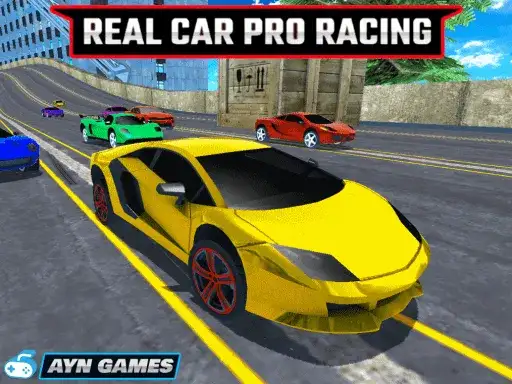
Real Car Pro Racing is a 3D car racing game. You race against AI opponents on tracks, and the races get harder at each level. To get to the next level, you have to be in the top 3 when the race is over. The developer says the game features 15 sports cars and 36 race tracks.
There is a car purchase and development system. After each race you can upgrade or customize your car, or buy a new car. The developer says the game has great vehicle physics and great graphics. Avoid obstacles on the roads as you race through the modern city.
Controls explained
Use the arrow keys or WASD to move your car. Press N for nitro. Press C to change the camera. Hold the space bar for the handbrake.
Nitro is worth saving for a difficult situation in a race. The handbrake helps when you want to drift through a corner rather than carry full speed into it.
Tips
- Aim for the top 3 first. A clean finish that keeps you in the top 3 moves you forward, so avoid risky moves that cost you places.
- Save nitro for difficult situations instead of using it at the start. The developer points to nitro as the tool for when a race gets tight.
- Spend your winnings on upgrades or a new car after a race. The purchase and development system lets you improve your car between events.
- Use the handbrake on corners where you tend to run wide. Drifting through a turn can be safer than braking late and hitting an obstacle.
- Watch the road for obstacles in the city. Avoiding them keeps your speed up and protects your position.
FAQ
How do I unlock the next level? Finish in the top 3 when the race is over. The developer says races become more difficult at each level.
Can I change my car? Yes. The game has a car purchase and development system, so you can upgrade or customize your car after each race or buy a new car.
What does the nitro key do? N triggers nitro. The developer advises using it when you are in a difficult situation in a race.